0:00
You'll just have to follow the steps on
0:02
displayed online. So, next we can manage
0:06
curriculum and add content. So,
0:08
depending of course on your
0:11
on your academy content, you can add
0:14
various courses, for example, a first
0:17
free course to bring new students to
0:19
your academy, then a first course for
0:22
beginners to introduce to the skills you
0:26
advanced course for people that already
0:28
took the beginners course and the
0:30
introductory course and for example,
0:34
an expert course that will
0:37
lead people to have a certification, for
0:39
example, and to be able to share by
0:42
themselves the skills that they they got
0:44
from you. So, either use them in real
0:46
life, either teach it, for example, if
0:48
you are teaching yoga and you want
0:50
people to become yoga teachers at the
0:51
end of your course, they might be able
0:53
to open their own yoga class. This is
0:56
just an example. Of course, it depends
0:58
of your own content and in
1:03
chapters with individual lessons.
1:07
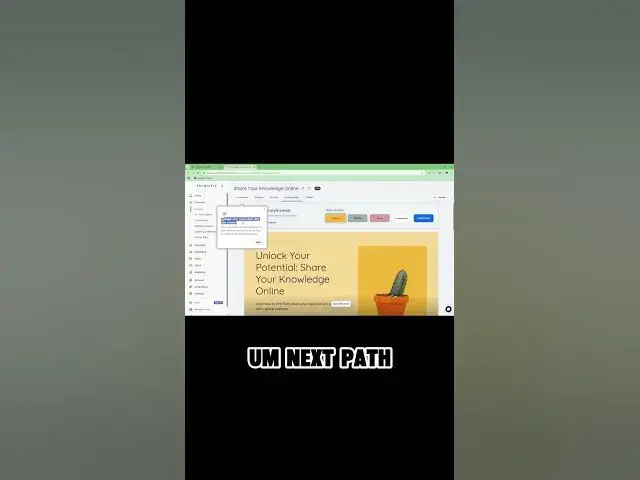
And here we have the very simple
1:09
interface. We will go in detail in
1:11
another video, but here you can just
1:13
with a few button change the style of
1:17
So, as you can see, it's all point and
1:19
click. There is no need to know any
1:22
technical skill related to web
1:26
to internet. You don't need to know
1:27
HTML, CSS, these technologies. All you
1:29
need to do is to know how to click and
1:32
to have a skill to share, which everyone