
📝 Filling in SAP Server Details: What You Need to Know for a Perfect Setup! ⚙️✅
Mar 26, 2026

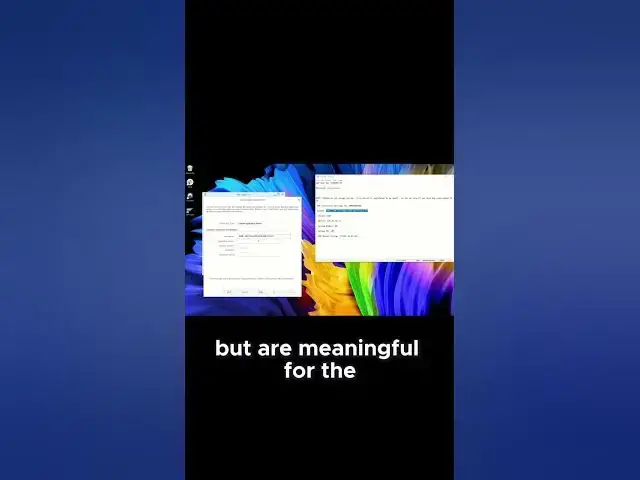
Confused about which SAP server details go where? Master the connection form fields and never struggle with server setup again! 🎯💻
📚 Want pre-configured SAP servers for hands-on practice? Get professional training: https://yb.digital/go/erp 🚀🎓
Essential server details explained:
Required connection fields:
🏷️ Description: Give your connection a memorable name
🌐 Application Server: IP address or hostname (e.g., 192.168.1.100)
🔢 Instance Number: Usually 00, 01, or 02
🆔 System ID (SID): 3-character identifier (e.g., DEV, PRD, QAS)
Advanced settings (optional):
⚡ Sapgui Directory: Leave default unless specified
🔧 Router String: For complex network setups
🛡️ SNC Settings: Security network communications
📊 Group/Message Server: For load balancing
Common field mistakes:
❌ Wrong instance format — use 00, not 0
❌ Missing HTTP/HTTPS — just use IP/hostname
❌ Incorrect SID — case sensitive, exactly 3 chars
❌ Router syntax errors — get exact string from admin
Where to get these details:
💼 System administrator provides connection info
📧 Welcome email often contains server details
📋 Company IT portal may list SAP systems
🔍 Network team knows server addresses
Pro setup tips:
✅ Test connection before saving
✅ Use descriptive names (DEV Server, Training System)
✅ Double-check all entries for typos
Perfect setup = smooth SAP experience! 🌟
🔔 LIKE 👍, COMMENT your setup challenges 💬, SUBSCRIBE for more SAP guides! 🔔
📚 Skip the setup hassle with ready-to-use training systems: https://yb.digital/go/erp
#SAPServerDetails #SAPConnectionSetup #SAPLogonConfiguration #SAPServerFields #SAPSystemSetup #SAPApplicationServer #SAPInstanceNumber #SAPSID #SAPTraining #LearnSAP #SAPBasics #SAPConnection #ERPSetup #SAPTutorial #SAPHelp
Show More Show Less