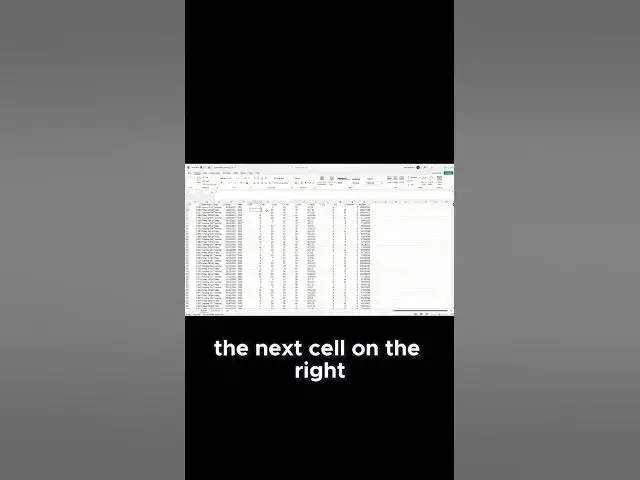

Why Your Excel Arrows Move the Screen Instead of Cells – Quick Fix Inside! 🔧📊
Mar 22, 2026

Excel arrow keys moving the screen instead of cells? The culprit is Scroll Lock! Here's the instant fix and why it happens. 😤➡️✅
📚 Want to master Excel and never deal with these issues again? Start learning Excel: https://yb.digital/go/learnformula-ybd-en-excelinsights 🚀💡
Why this happens:
Your Scroll Lock key accidentally got pressed, changing Excel's behavior from cell navigation to screen scrolling. The arrow keys now scroll your worksheet instead of moving between cells. 🤔⌨️
Instant 5-second fix:
1️⃣ Press Scroll Lock key (top right of keyboard) — DONE! ✅
2️⃣ No Scroll Lock key? Windows key + R → type "osk" → press Enter → click ScrLk ✅
3️⃣ Laptop users: Try Fn + Scroll Lock or Fn + F12 ✅
Quick verification:
Look at Excel's status bar — if "Scroll Lock" is visible, it's ON. When fixed, that text disappears and arrows work normally! 👀➡️⬆️⬇️⬅️➡️
Prevention tip: Avoid hitting that key! If it happens often, consider remapping it permanently.
Stop the frustration — fix it in seconds and get back to productivity! 💪🎯
🔔 LIKE 👍, COMMENT if this saved your sanity 💬, SUBSCRIBE for more Excel quick fixes! 🔔
📚 Master Excel completely: https://yb.digital/go/learnformula-ybd-en-excelinsights
#ExcelScrollLock #ExcelArrowKeys #QuickExcelFix #ExcelTips #OfficeProductivity #ExcelTroubleshooting #ScrollLockFix #ExcelHelp #KeyboardFix #MicrosoftExcel #ExcelHacks #ExcelTutorial #OfficeTips #ExcelProblems #ExcelSupport
Show More Show Less