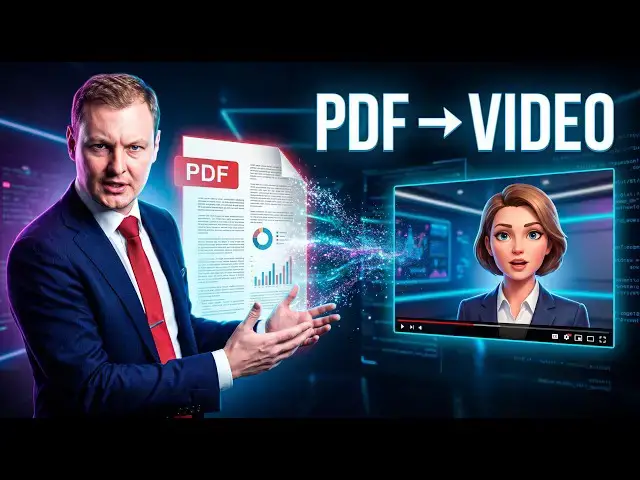

How to Turn a PDF Into a YouTube Video Animated Tutorials With Cutbay
Oct 15, 2026

Turn a PDF into a complete animated YouTube tutorial with Cutbay AI. In this video, I test Cutbay for the first time by uploading a PDF extracted from a PowerPoint presentation and converting it into a long-form landscape video.
Create your own AI videos here: https://yb.digital/go/cut
Cutbay analyzes the uploaded document, understands the subject, and asks a few questions about the desired output. I choose English as the final language, landscape format, a narrated tutorial, and background music designed to keep a longer video engaging.
The workflow then moves into AI production: Cutbay selects voices and music, creates an eight-scene plan, develops the visual style, plans timing, and prepares the video project. The tool also shows what it is doing in the background rather than leaving you watching a completely static processing screen.
This is a first test of turning a PowerPoint-derived PDF into a long-form animated tutorial. The goal is to see how much of the video production process Cutbay can handle automatically from a single document.
If you work with PowerPoint presentations, PDFs, spreadsheets, training material, or other business documents, this workflow shows how AI video generation can be used for content repurposing and tutorial creation.
#Cutbay #AIVideo #PDFtoVideo #AIContent #YouTubeAutomation
Show More Show Less